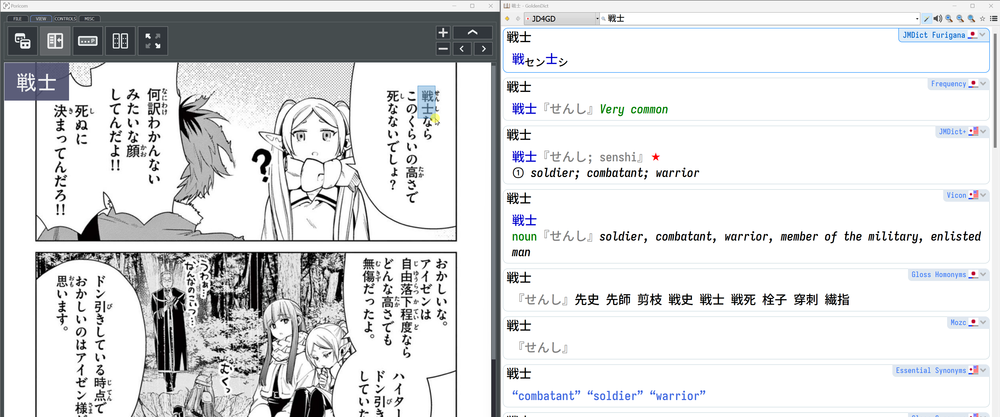
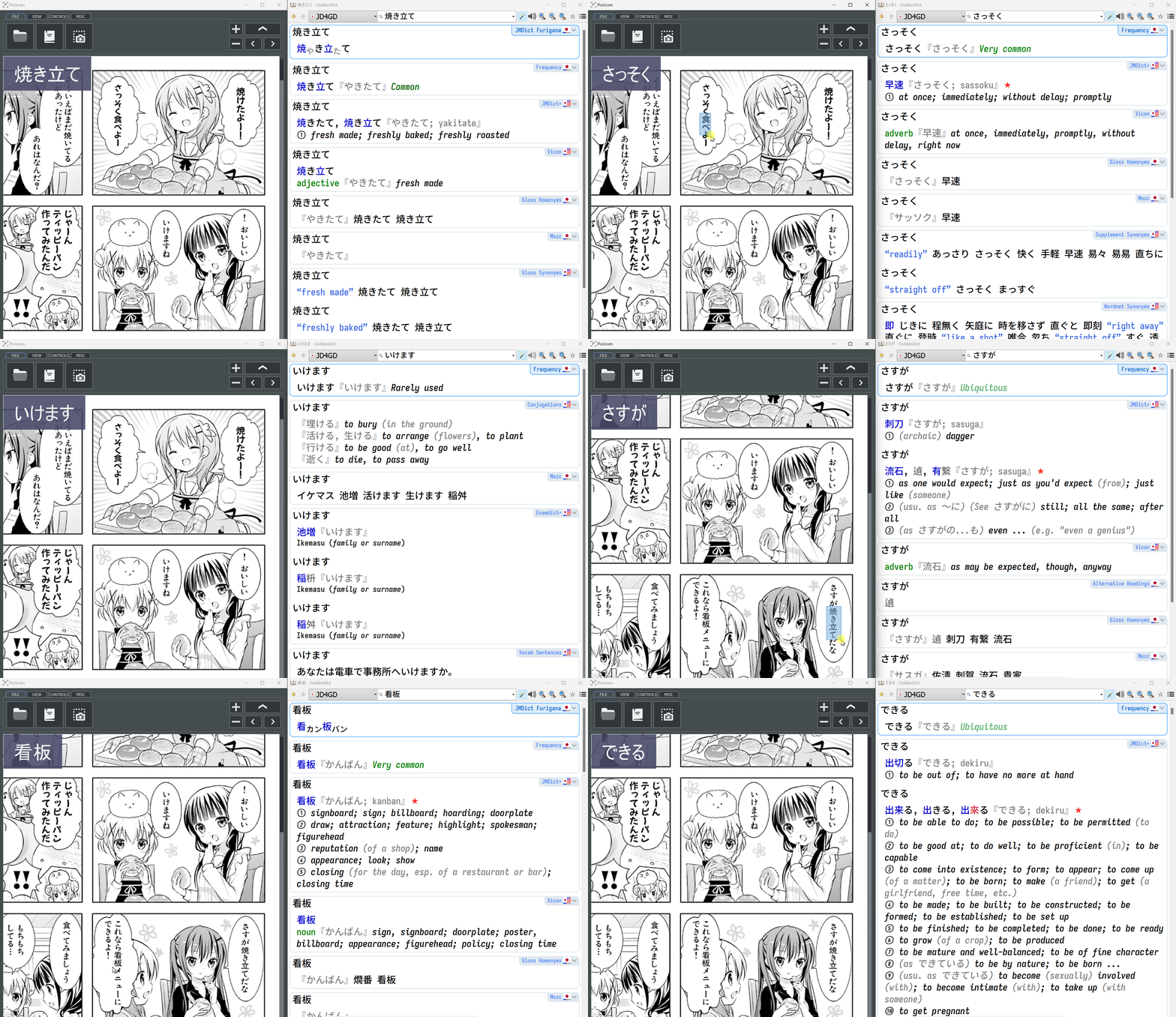
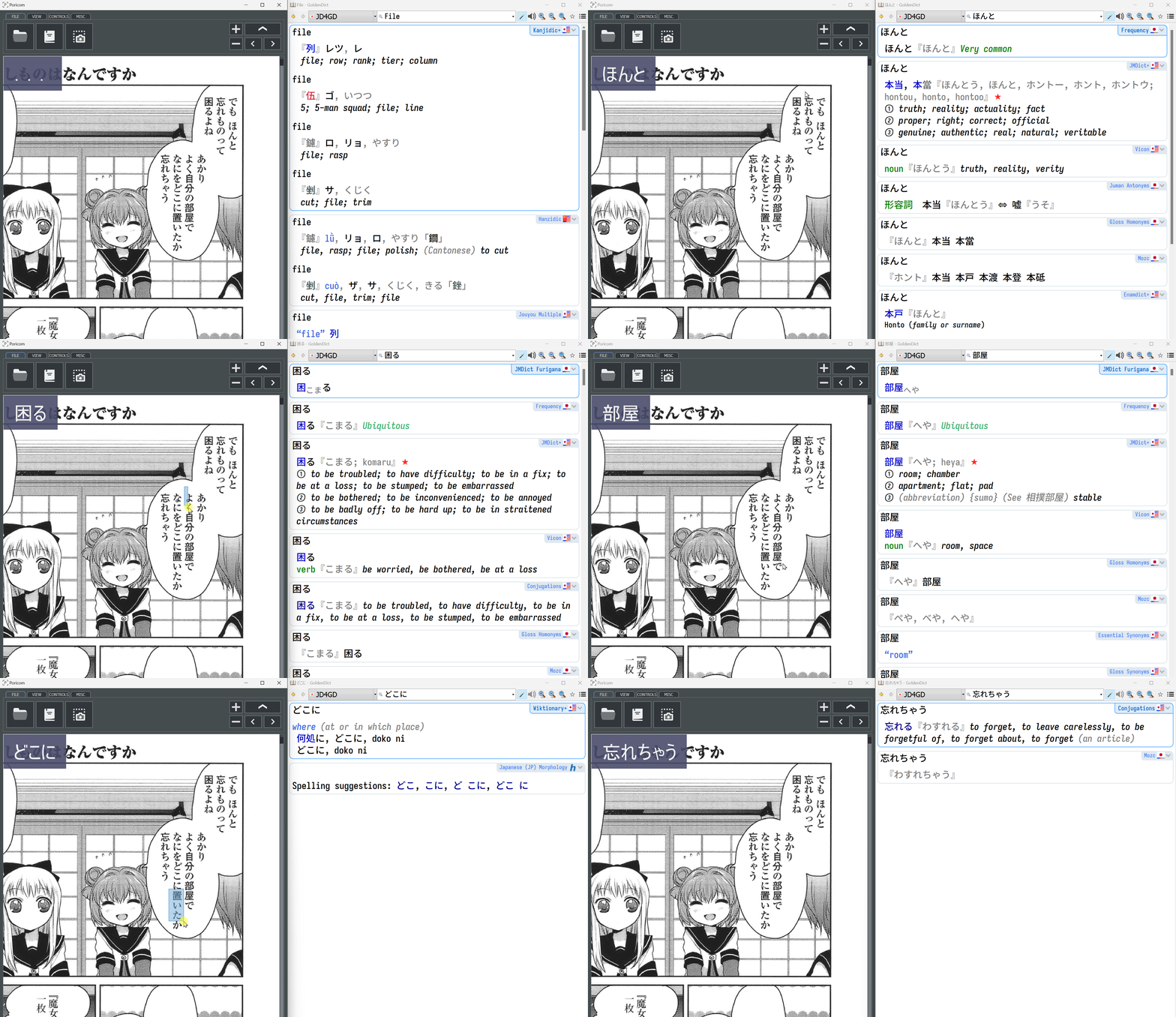
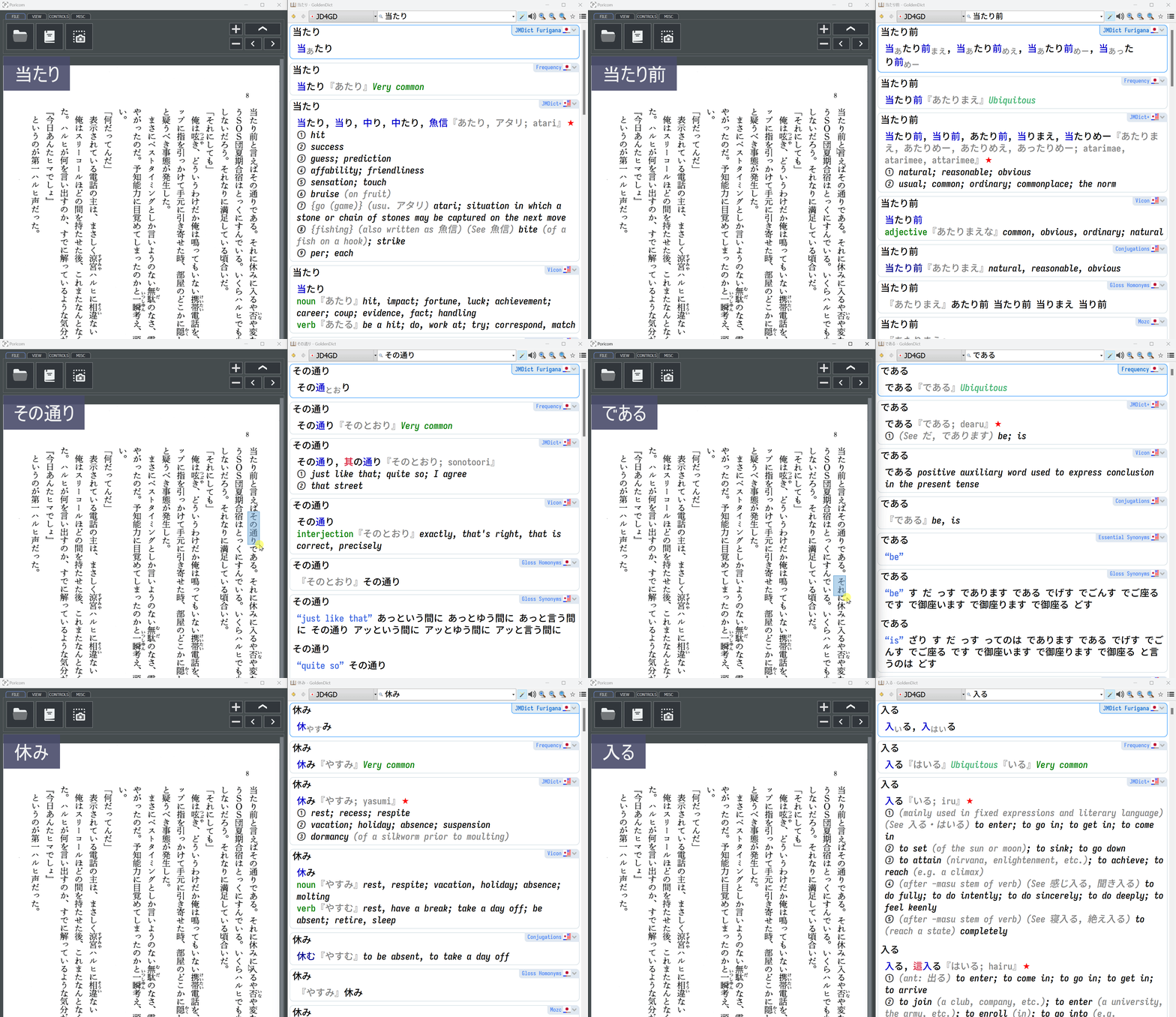
OCR
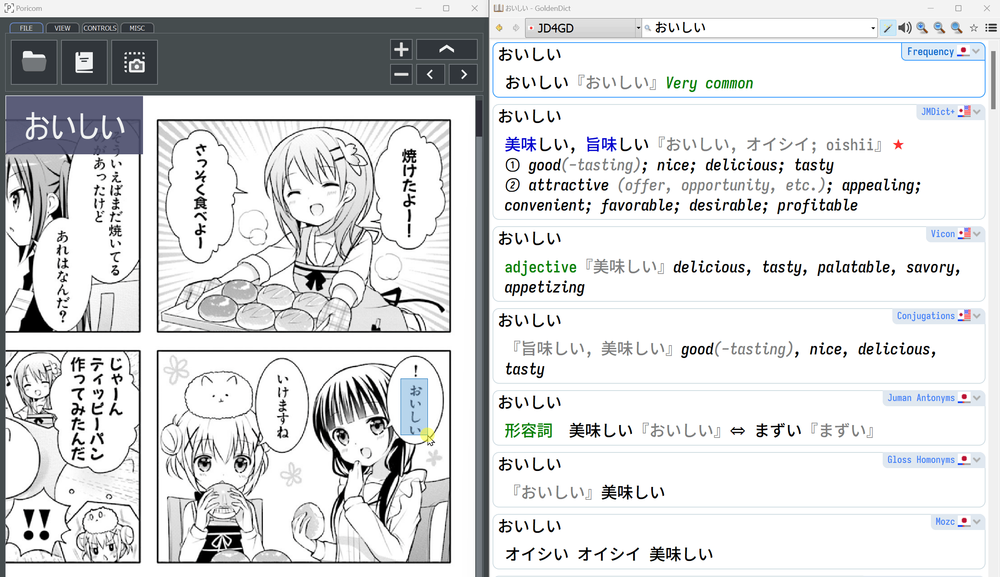
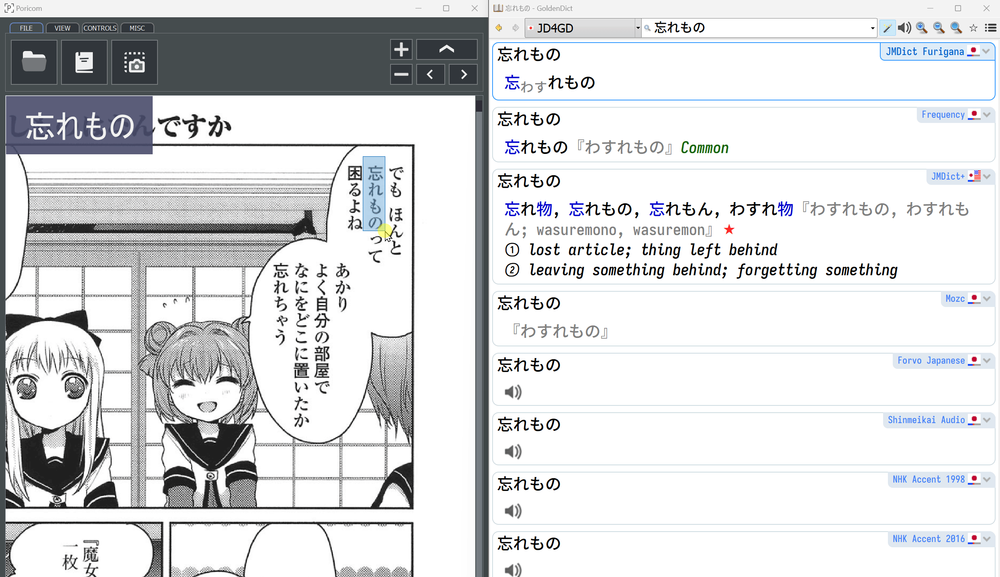
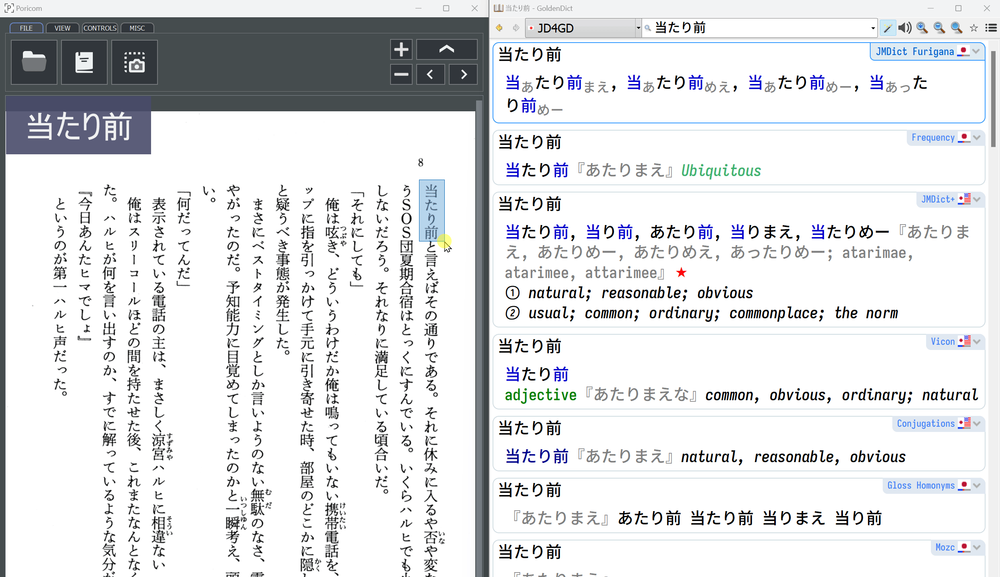
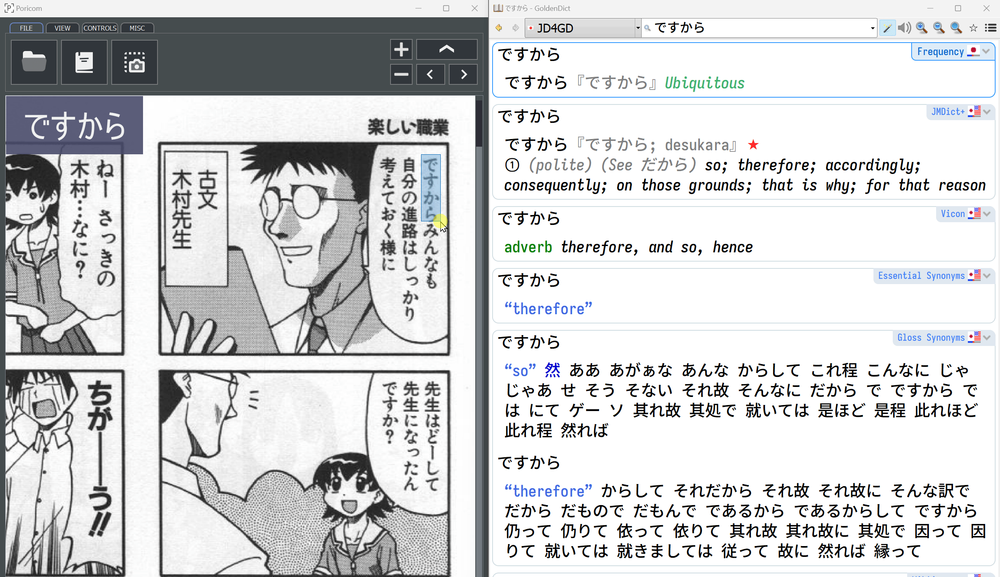
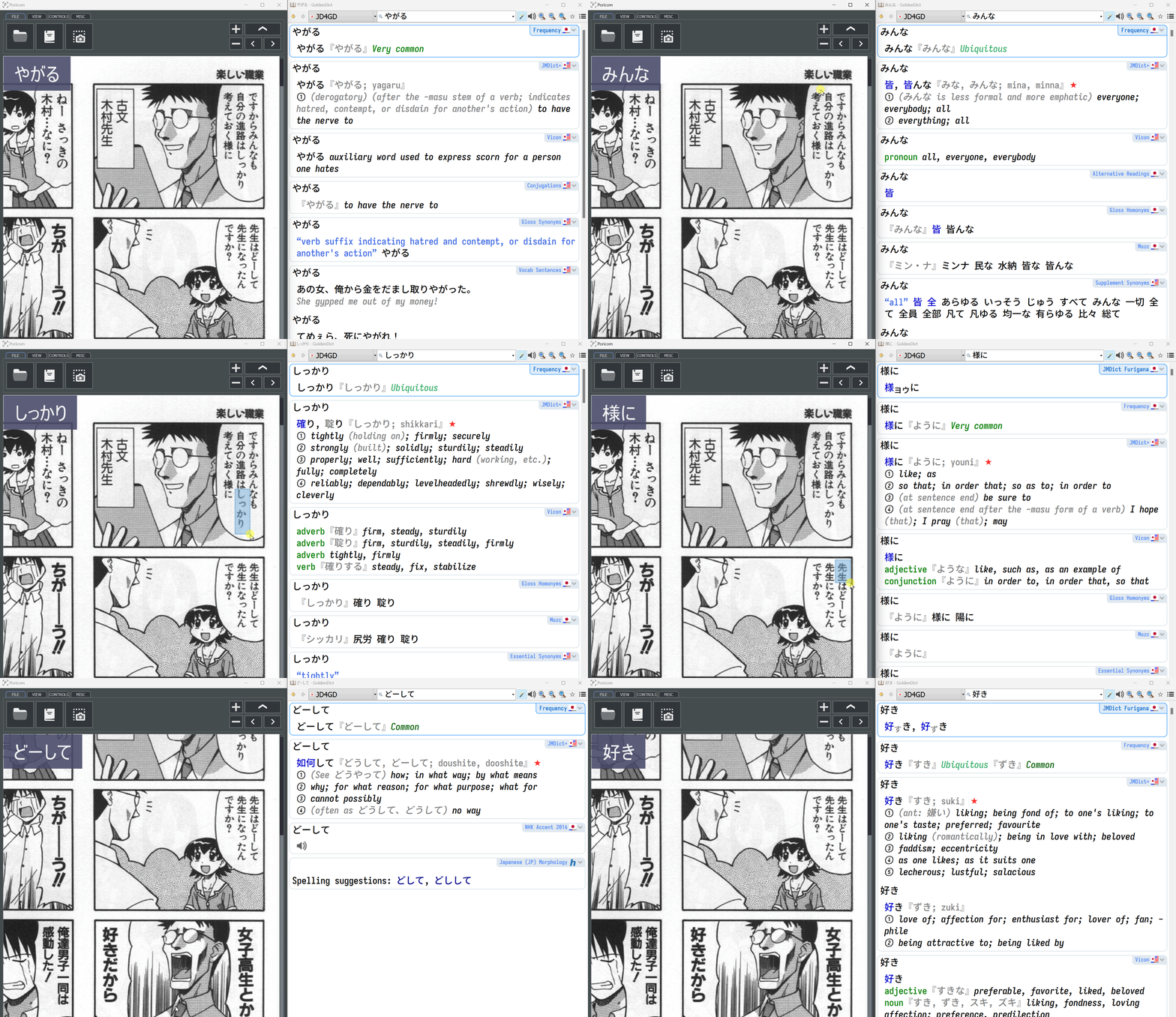
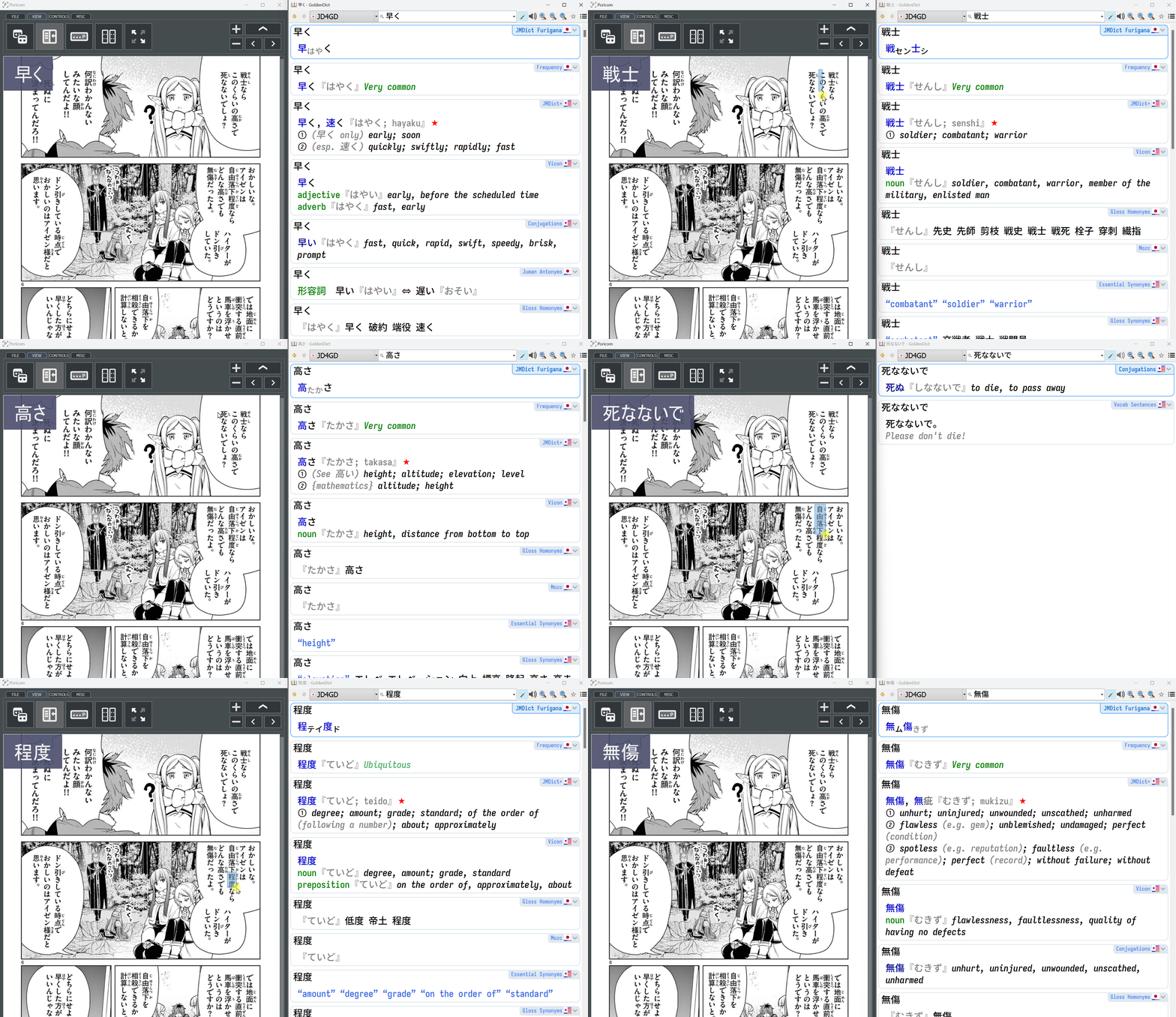
Unleash the true power of GoldenDict! Configure it to work with an Optical Character Recognition (OCR) software, so you can use your favorite manga and light novels to study Japanese!
◆ Open GoldenDict menu, go to "Help" and then click "Configuration folder".
◆ Find the file "config", open it in your text editor, and change the value "0" to "1" in the entry below:
From:
<trackClipboardChanges>0</trackClipboardChanges>
To:
<trackClipboardChanges>1</trackClipboardChanges>
|
Save it, and you're done. Restart Goldendict.
Now, every time something is copied to the clipboard, it'll be automatically translated by GoldenDict. Try manually selecting a word with the mouse and hitting CTRL+C.
The next step is to find an OCR application that supports Japanese and the "copy text to clipboard" function, so every time you select a text on an image, the OCR application will send the decoded text to the clipboard. Almost all OCR apps support this function, so choose one of your liking.
Since I'm a Windows user, I like the
Poricom project by blueaxis.
Click on any image to watch!